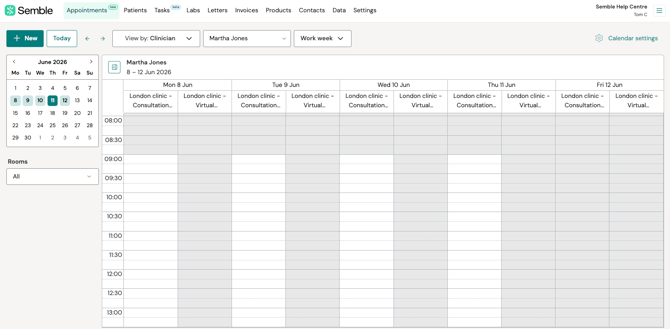
Your account may display either the 'classic' Availability page or the refreshed design, indicated by the [ ] icon.
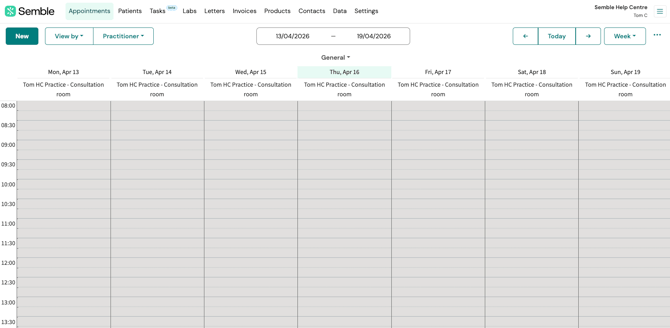
To access the correct guidance for filtering your calendar view, click on the image you see in your Semble account when on the Appointments tab.
Classic Appointments calendar:
Appointments calendar with enhanced scheduling: